Learn to code with a turtle
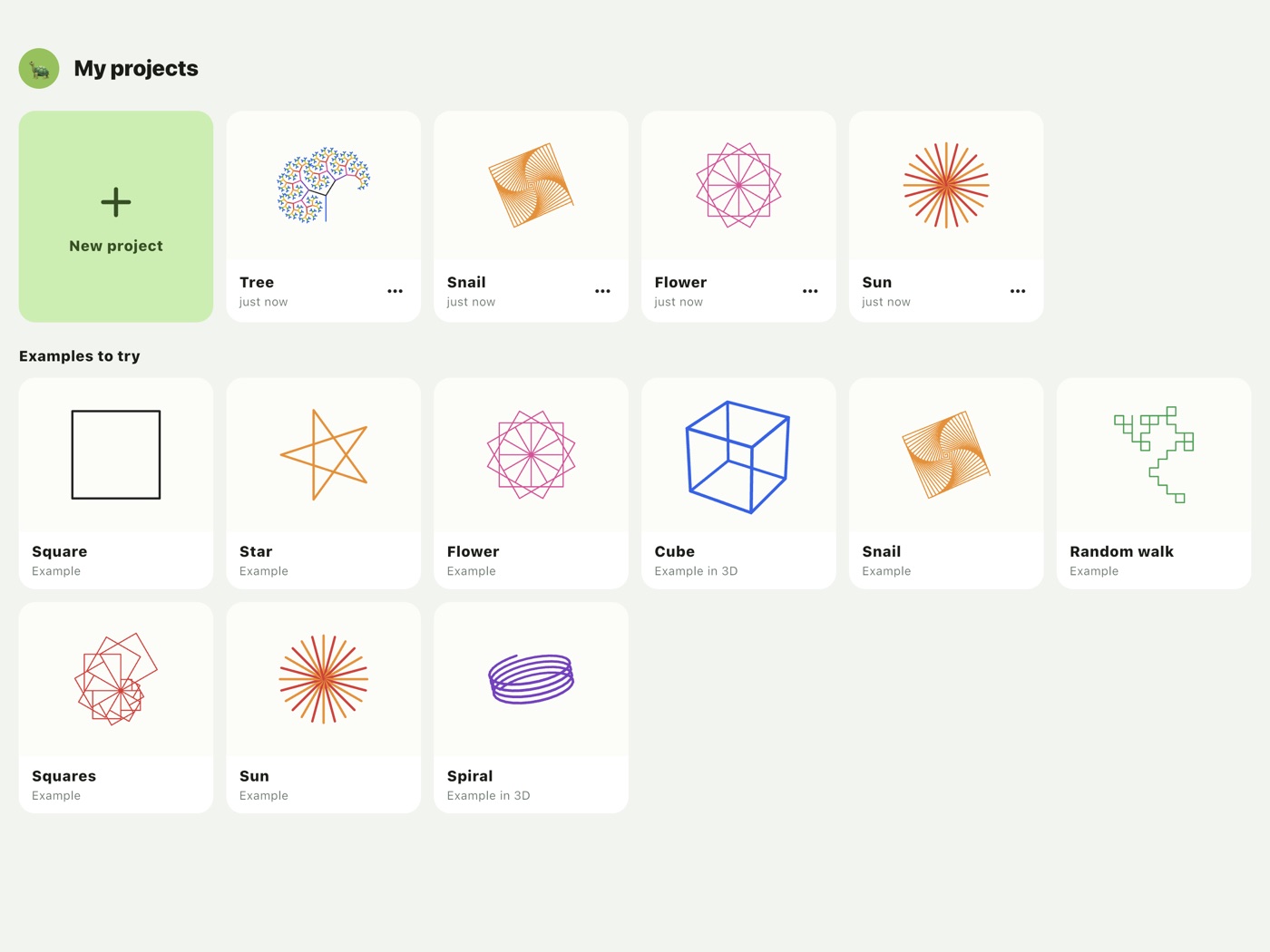
Kids tell a turtle where to go – and wherever it walks, it draws a line. A few commands turn into stars, spirals and whole trees.
For iPhone, iPad and the browser · free · no ads
How it works
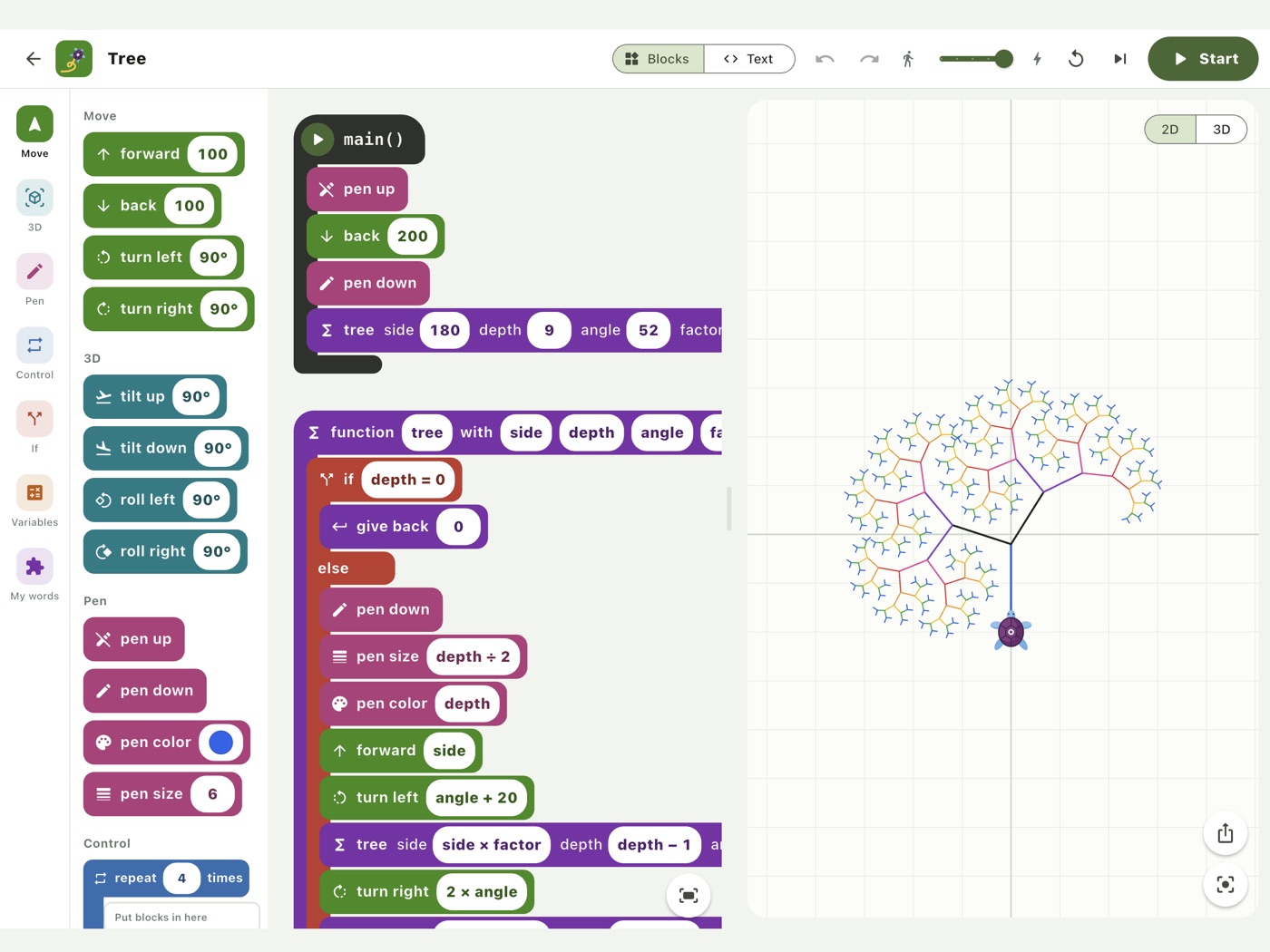
Snap blocks together. Press start. Be amazed.
Just like Seymour Papert's Logo, kids learn by trying things out: change a number, start again, and find out for themselves how it works. Every line shows right away what it does.
Move and draw
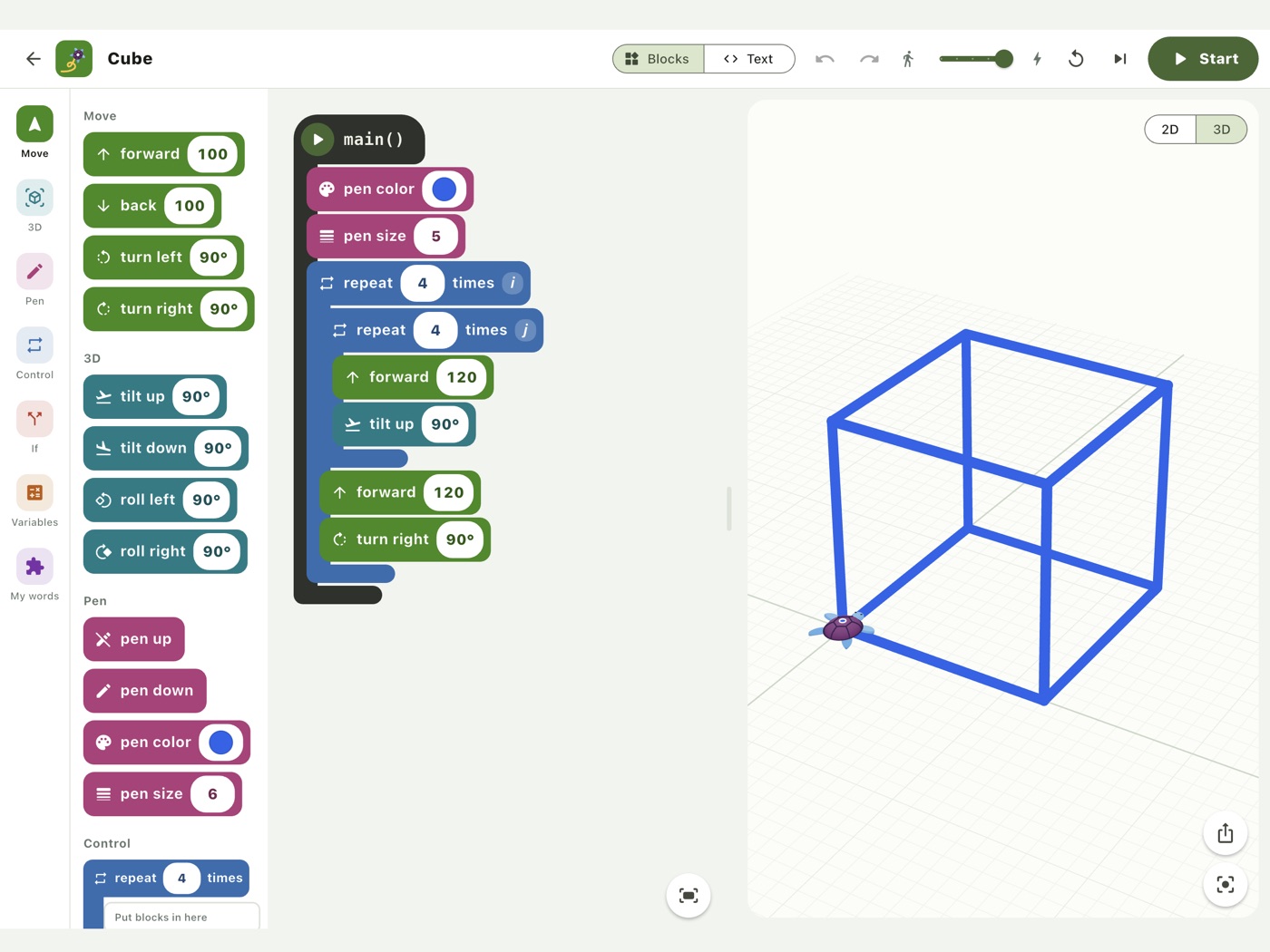
Walk, turn, pen up and down, colours and widths – the turtle draws every move.
Loops
A line becomes a square, a square becomes a flower. With counters to calculate with.
Conditions
The turtle decides for itself what to do next.
Variables and randomness
Calculate with numbers and decimals, and add randomness for pictures that turn out different every time.
Own functions
Invent your own words – even recursive ones, for trees and fractals.
Drawing in 3D
The turtle tilts and rolls in space, and the stage can be turned with a finger.
Blocks and real code
From blocks to real programs
- Drag blocks from the palette and snap them together – no typos.
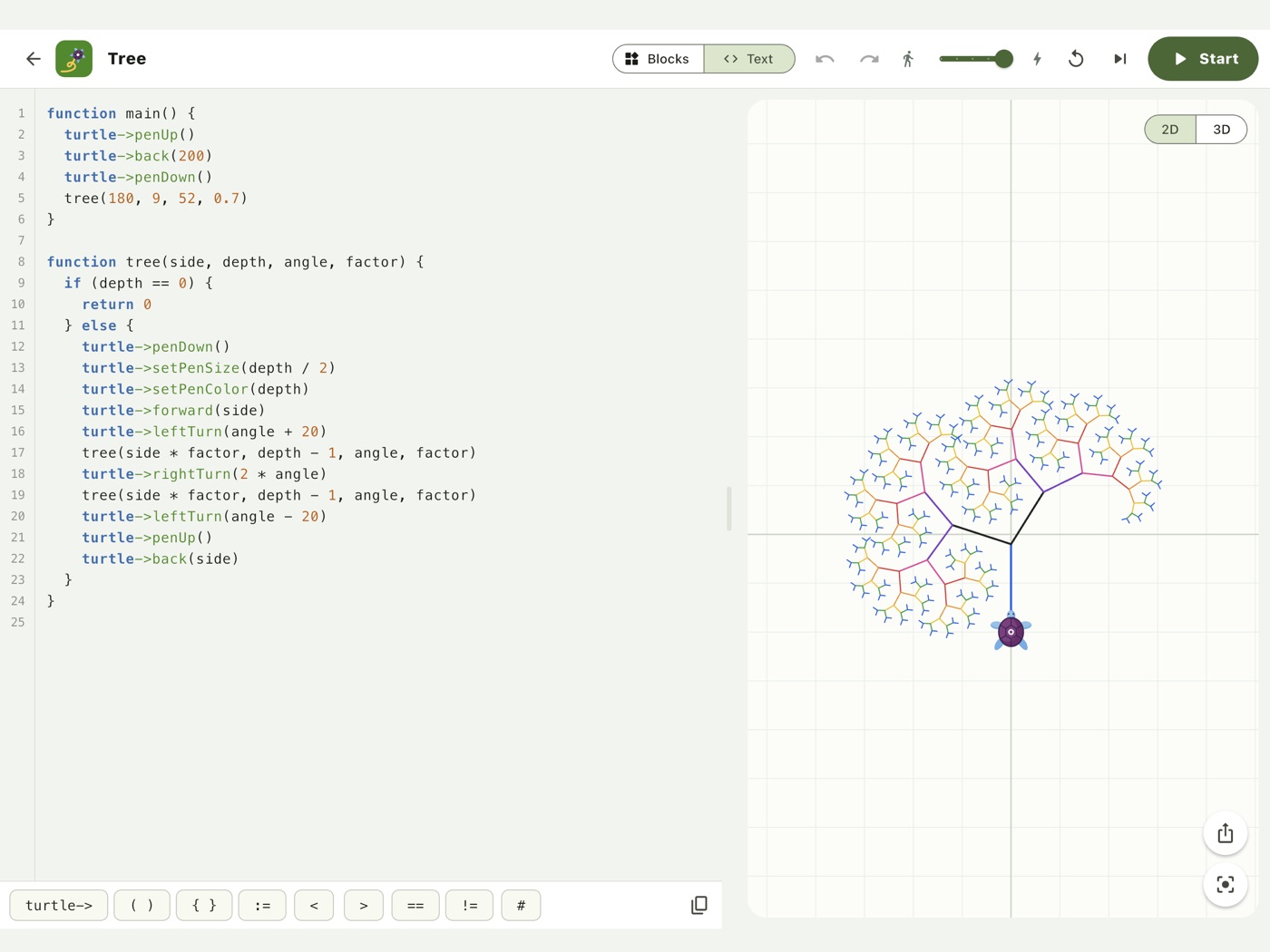
- The text view shows the same program as real code, and kids can type there too.
- Programs written for the earlier Code your Life turtle can simply be pasted in.
- Slow, fast or one step at a time: always see which command is running.
For school and home
One tablet, many kids
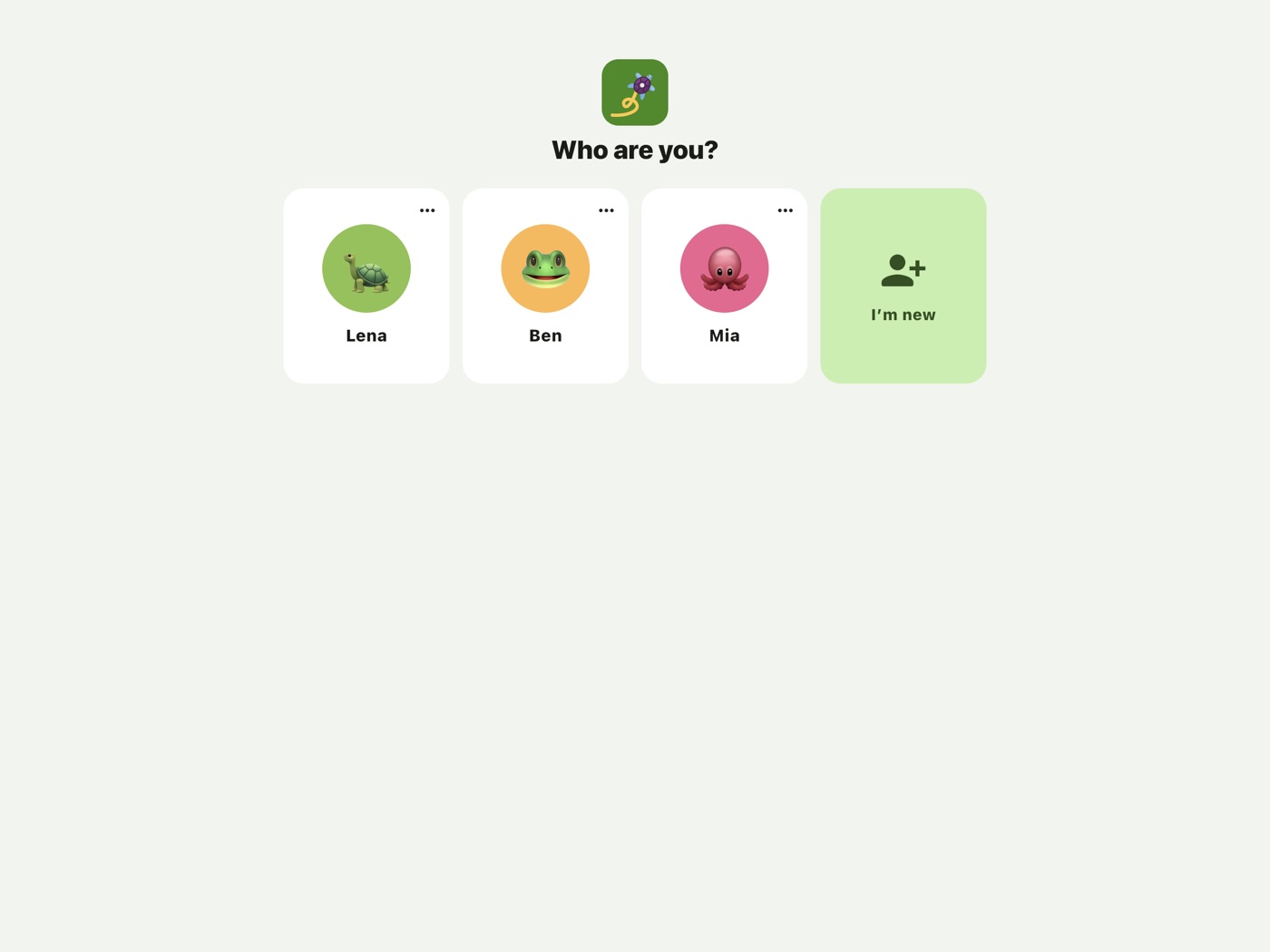
- One profile per child, no password – great when several kids share a device.
- Lots of examples to try and build on.
- Save drawings as pictures and share them.
- Fits the Code your Life lessons, such as “The Turtle” and “Of Blossoms and Spirals”.
A closer look
This is TurtleCoder
About Code your Life
Coding for the future
Code your Life introduces children aged ten and up to coding – whatever their background, gender or education. The initiative comes from the 21st Century Competence Center of the Förderverein für Jugend und Sozialarbeit e. V. and is run by Helliwood media & education. TurtleCoder is its coding app.